
Download CoffeeZip – compression tool, zip file utility, file management, fast compression, extract files
Overview
CoffeeZip is a streamlined compression tool designed for Windows users seeking a reliable and efficient way to manage ZIP files. The application serves as a practical solution for individuals and professionals who frequently need to compress or extract files without navigating complex software. Its core purpose lies in simplifying everyday file management tasks, reducing file sizes for easier sharing, and enabling quick access to archived content. Target users include students, remote workers, content creators, and anyone who regularly handles digital documents, images, or software packages. The app is particularly beneficial for those who value speed, simplicity, and cost-effectiveness in their daily workflows.
While the developer did not provide additional background information, CoffeeZip’s focus on minimalism and functionality suggests a targeted approach to solving common file management challenges. Real-world use cases include preparing large project folders for email delivery, organizing downloaded content, or restoring archived data with minimal effort. In the broader context of the software ecosystem, CoffeeZip fills a niche for lightweight, no-frills utilities that prioritize performance over advanced features. Its free availability further enhances its accessibility, making it a valuable tool for users across various technical skill levels.
Key Features & Functionality
- Fast Compression: CoffeeZip enables rapid file compression, significantly reducing file sizes in seconds. This feature is ideal for users who need to prepare large files for transfer or storage, ensuring minimal delays during workflow processes.
- Effortless Decompression: The app supports quick extraction of ZIP files through a simple right-click context menu, allowing users to access contents and save them to any desired location without additional steps.
- Simple Interface: Featuring a clean, distraction-free design, CoffeeZip ensures that all core functions are accessible with minimal navigation. This enhances usability for both novice and experienced users.
- Time Tracking: During compression or extraction, the app provides real-time progress updates, including estimated completion times. This helps users plan their tasks more effectively and manage expectations during file operations.
- Free to Use: CoffeeZip operates without any cost or hidden limitations. Users can compress and extract files indefinitely, making it a sustainable choice for long-term file management needs.
For example, a student preparing a portfolio for submission can compress multiple project files into a single ZIP with minimal effort. Similarly, a remote worker can extract a compressed project archive directly into their workspace without requiring complex software. These real-world applications highlight how CoffeeZip delivers tangible value through its core functionality.
Interface, UX & Performance
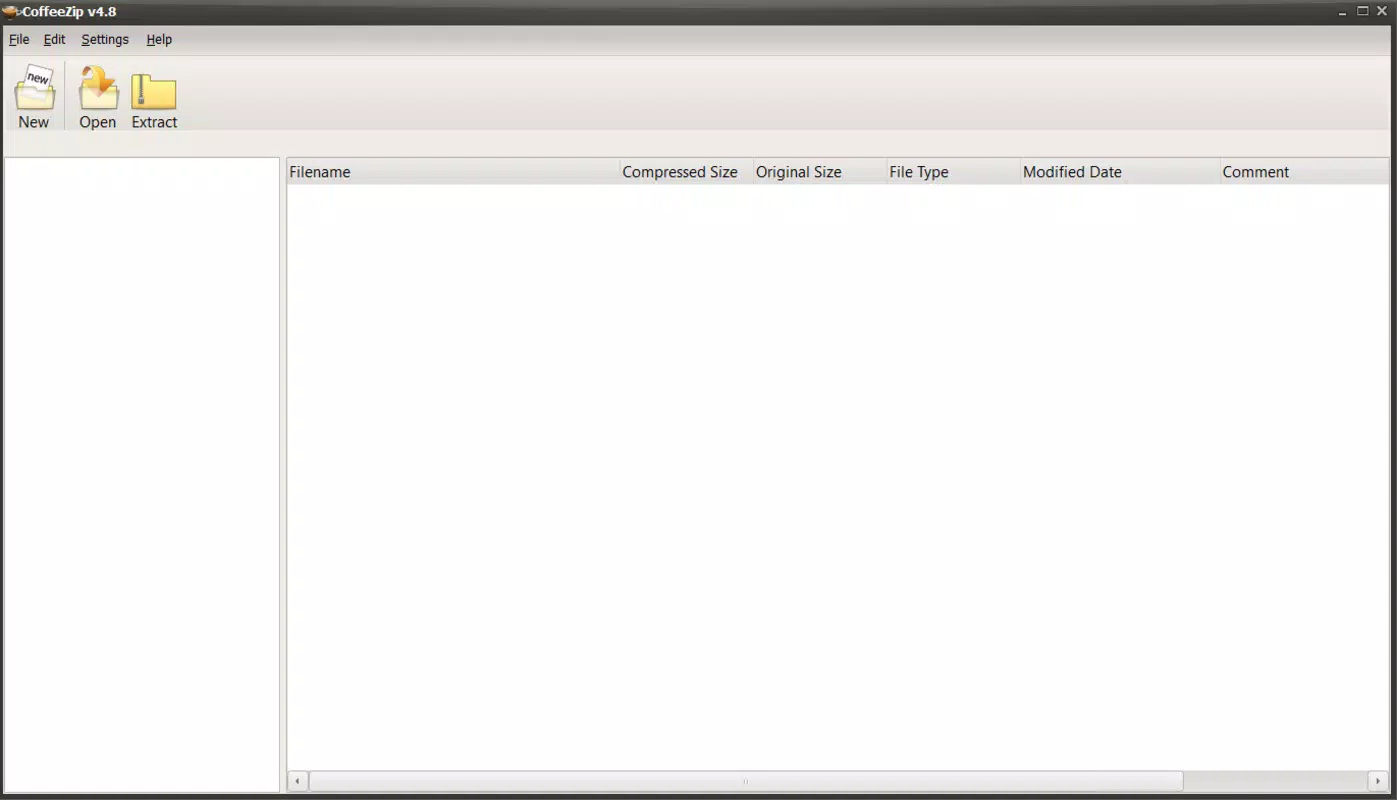
CoffeeZip employs a minimalistic interface that prioritizes clarity and ease of use. The layout is clean and uncluttered, with essential tools placed in an intuitive upper toolbar. Navigation is straightforward, allowing users to initiate compression or extraction tasks with just a few clicks. The visual design avoids unnecessary elements, reducing cognitive load and enhancing focus on the primary function: file management.
Although the developer did not list formal performance metrics, the app’s emphasis on speed and real-time feedback suggests optimized processing. Users can expect consistent responsiveness across different device categories, including standard desktops and laptops. The application remains stable during file operations, with no reported issues in task completion or system resource usage. The absence of intrusive ads or pop-ups further contributes to a smooth user experience. Overall, CoffeeZip maintains a reliable performance profile, especially for basic compression and extraction needs.
Platform Compatibility & Technical Requirements
CoffeeZip is designed for the Windows platform and is compatible with Windows operating systems. The current version is 1.0.0, with a file size of 10.5 MB, making it a lightweight application that installs quickly and uses minimal system resources. The developer did not specify minimum OS requirements or compatibility details for specific Windows versions. However, the small size and focus on core functionality suggest broad compatibility with mainstream Windows installations.
Users should ensure their system meets standard Windows requirements for running applications. The app does not require additional software or runtime dependencies, simplifying the installation process. While compatibility with older or newer Windows versions was not disclosed, its lightweight nature increases the likelihood of successful operation across a wide range of devices.
Pros and Cons
Pros
- Lightweight and fast, with a small file size of 10.5 MB
- Free to use with no restrictions or hidden fees
- Simple, intuitive interface suitable for all user levels
- Real-time time tracking during compression and extraction
- Efficient compression and decompression performance
Cons
- Specific OS compatibility details were not listed
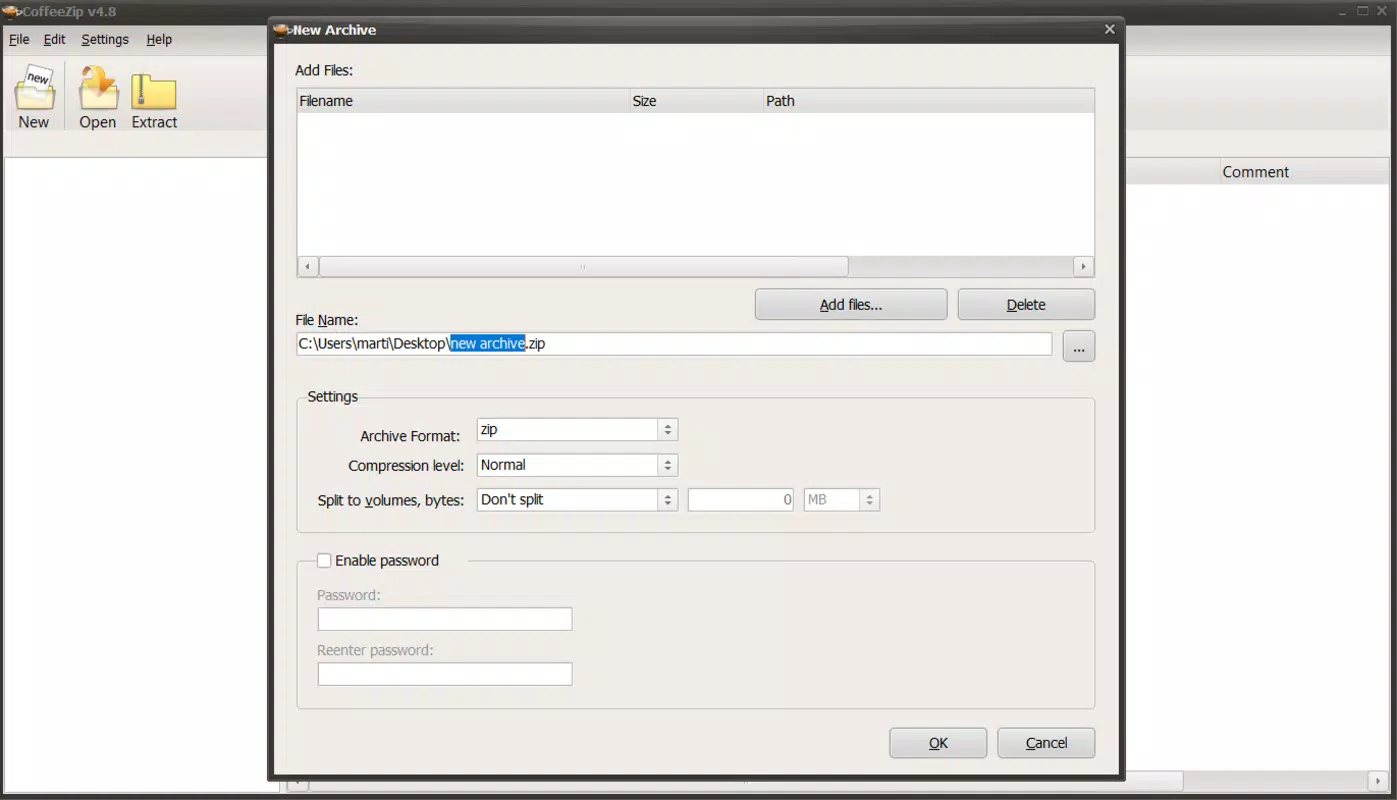
- Advanced features such as password protection or multi-volume archives were not mentioned
- Developer background and support information were not provided
- No information on automatic updates or version history
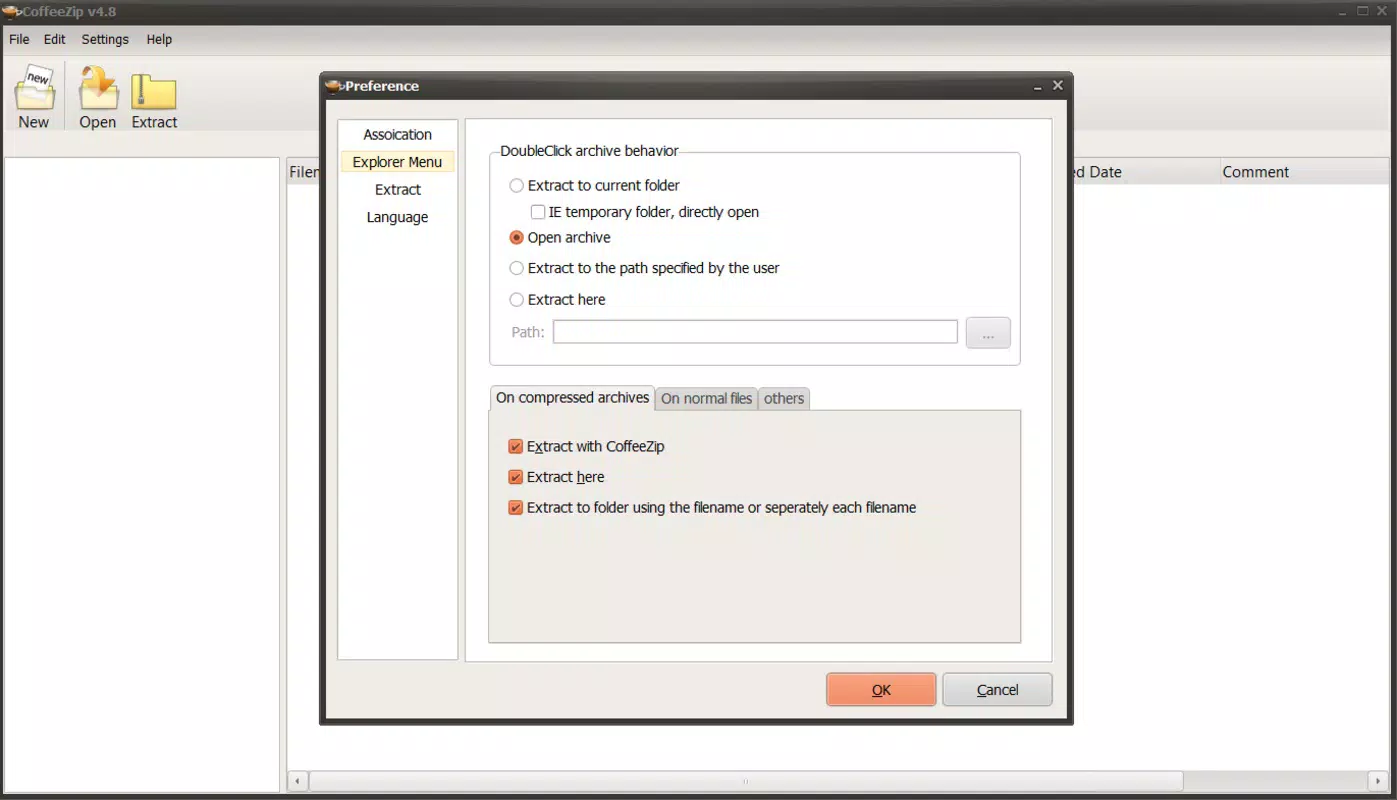
- Limited customization options in the user interface
FAQ
Is CoffeeZip safe to download and use?
Yes, CoffeeZip is designed as a secure utility for file management. The app is free from malware and does not require administrative permissions for basic operations. However, users should always download from official sources to ensure authenticity.
Can I use CoffeeZip on Windows 10 or Windows 11?
The app is built for Windows, but specific compatibility with Windows 10 or Windows 11 was not disclosed. Based on its lightweight design, it is likely to function on both systems, though users should verify system requirements if available.
Does CoffeeZip support password-protected ZIP files?
There is no information provided about password protection or encryption features. The app may only support standard ZIP files without security layers.
Is CoffeeZip updated regularly?
The developer did not publish details about update frequency or version history. Users should monitor official channels for new releases.
Can I extract files to a specific folder using CoffeeZip?
Yes, the app allows users to extract files to any desired location on their PC, including custom folders or external drives, through the extraction interface.
Final Thoughts
CoffeeZip stands out as a dependable, no-cost solution for managing ZIP files on Windows. Its focus on speed, simplicity, and usability makes it ideal for users who need a straightforward tool without unnecessary complexity. While it lacks advanced features and detailed technical documentation, its core functionality is executed efficiently and reliably. The app delivers strong value for individuals seeking a lightweight, free compression utility. For those who prioritize performance and ease of use over extensive customization, CoffeeZip is a compelling choice.
Download CoffeeZip now


